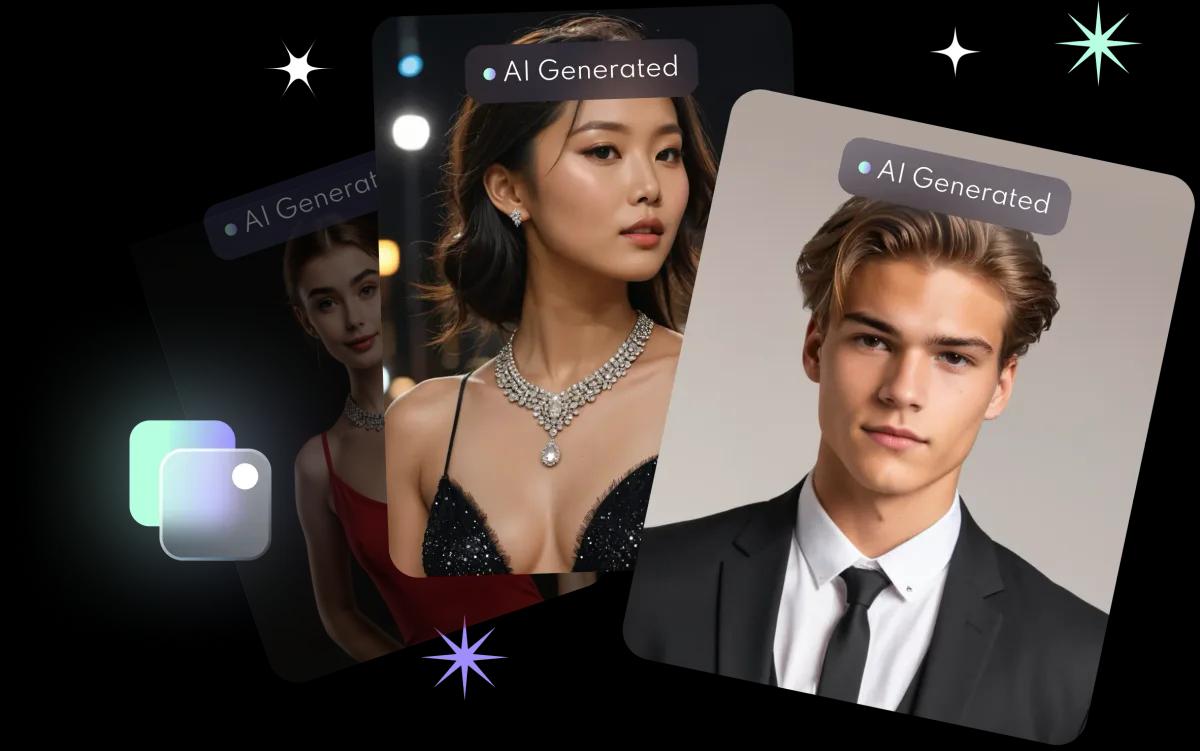
Pro photographer vibes
Explore a range of headshot styles and professional filters, with editing tools to fine-tune every shot.
FACEVIBE APP · AI HEADSHOTS
Your selfies.
Studio headshots.
Upload 8 to 10 selfies and FaceVibe’s AI turns them into professional headshots for LinkedIn, your CV and social media, in about 10 minutes. On iPhone.
HOW IT WORKS
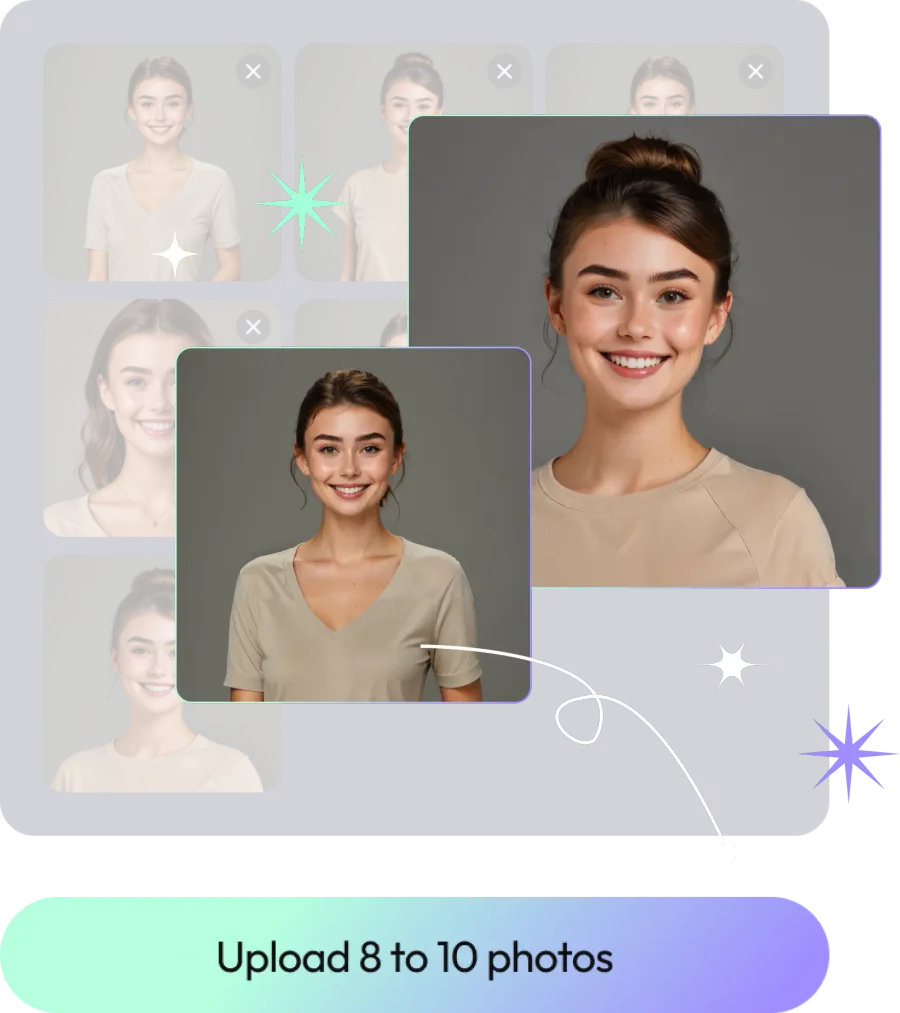
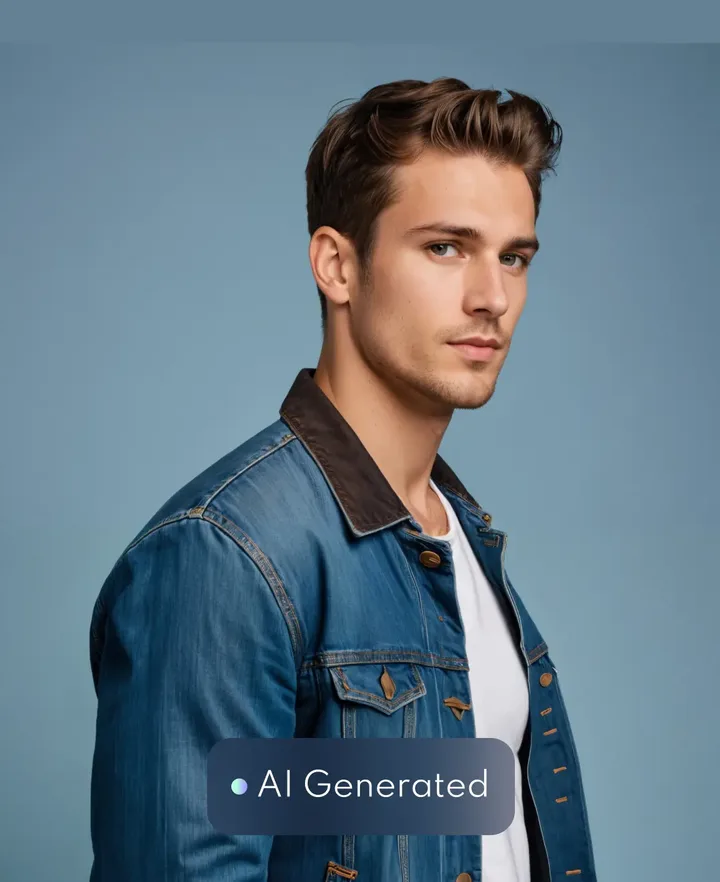
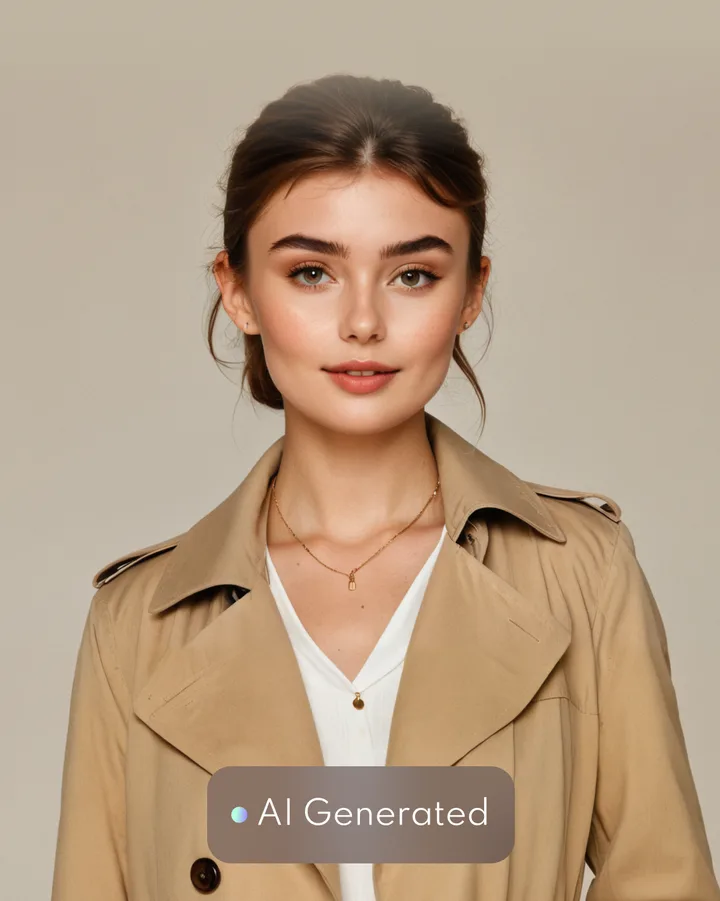
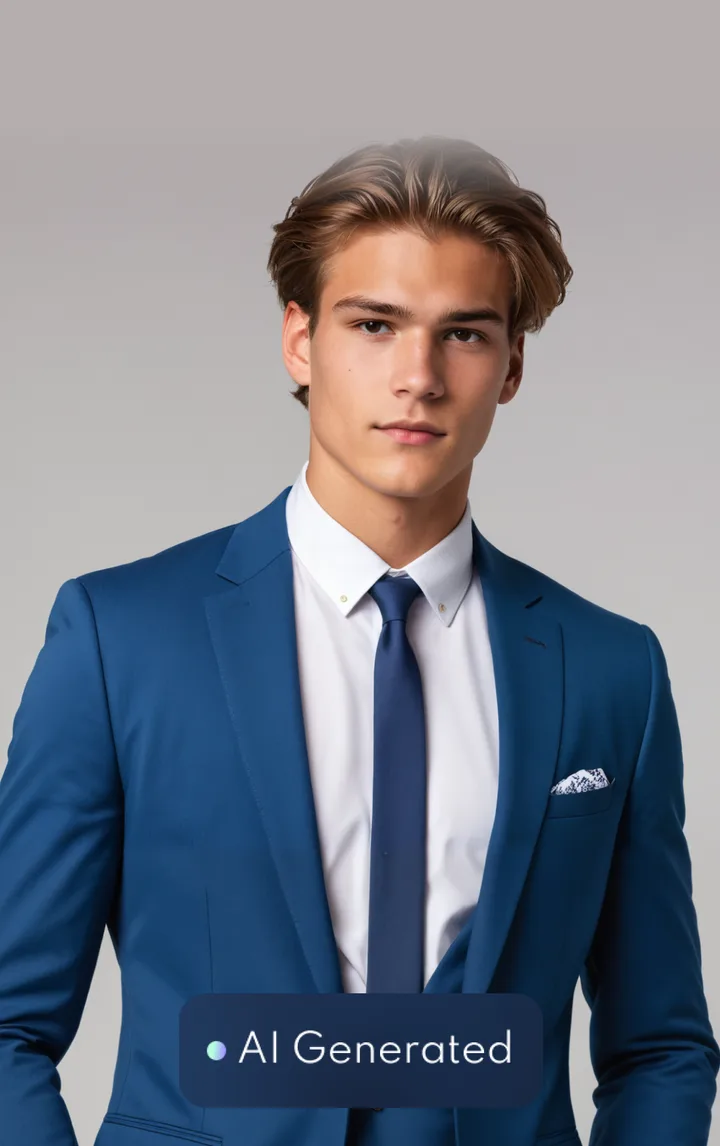
Upload 8 to 10 clear selfies. Face the camera, keep only yourself in the frame, and avoid hats or other head coverings.
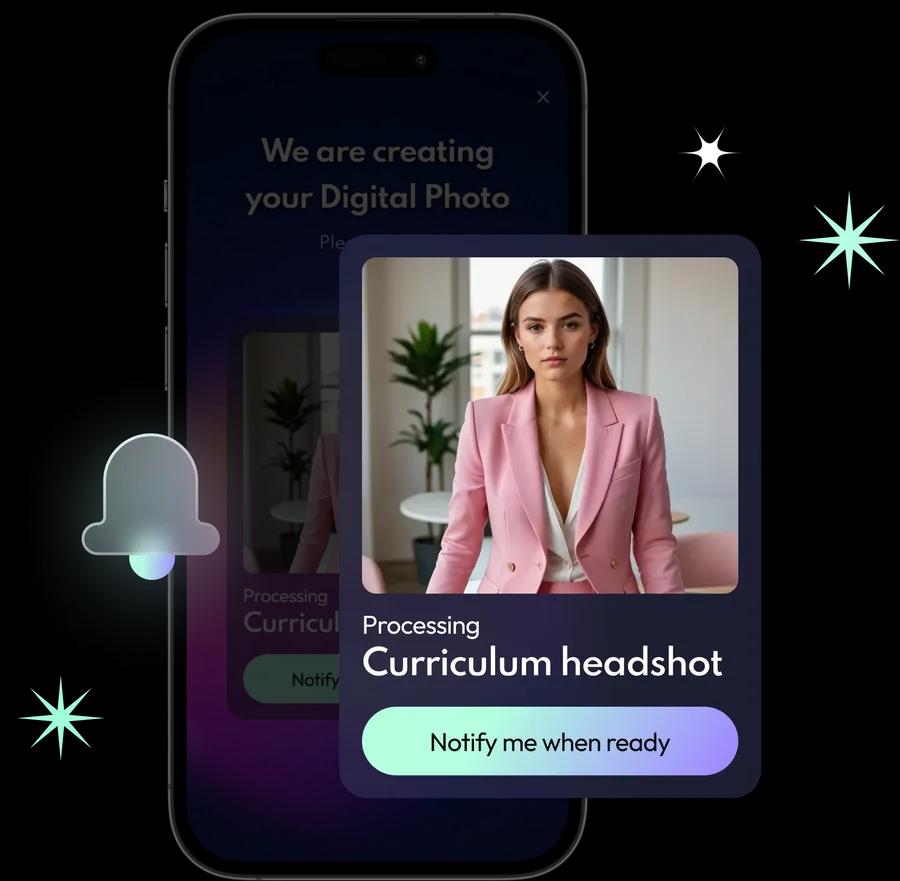
FaceVibe trains a model just for you. It takes about 10 minutes, and it is what makes your headshots look like you.
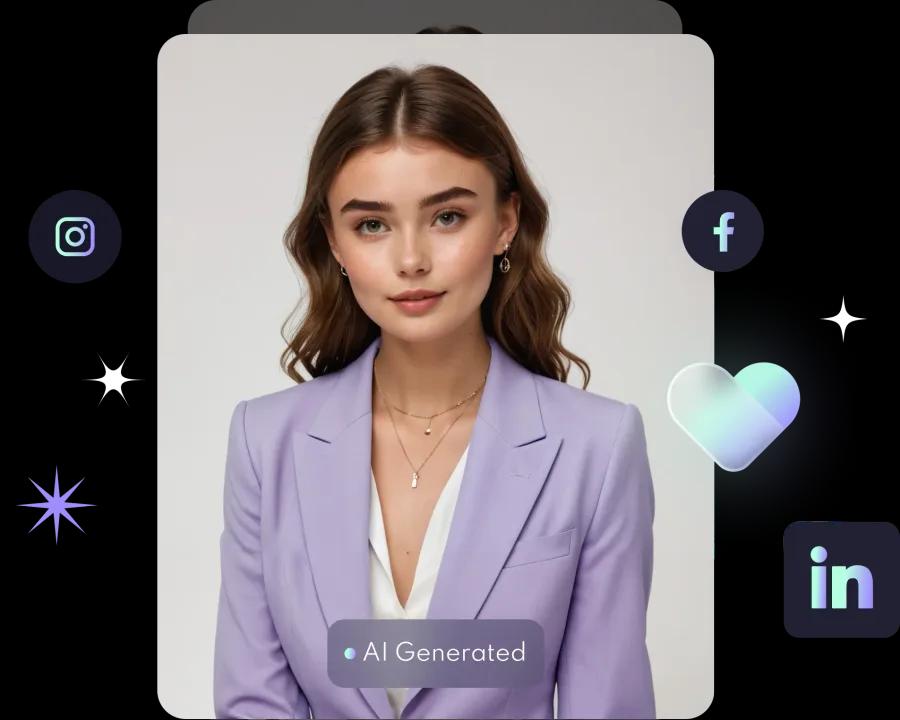
Swipe through your new headshots, download the ones you like with one tap, and share them with friends.
FOR SOCIAL & LINKEDIN
Let AI craft your photos, from polished profile pictures to scroll-stopping posts.


Explore a range of headshot styles and professional filters, with editing tools to fine-tune every shot.
Unlock unlimited access to FaceVibe’s editing suite and lift any photo to professional quality. No advanced skills needed.
Most apps give you one profile. FaceVibe lets you create up to three, so you can make headshots for family and friends too.
ALSO FROM FACEVIBE
FaceVibe Booth brings the same AI portraits to brand and corporate events in Hong Kong. We deliver, set up and staff the booth; guests scan a QR code to keep their portrait, no app needed.
Upload 8 to 10 selfies in the FaceVibe app. The app trains a model on your face in about 10 minutes, then gives you a set of headshots in different styles. Swipe through them, pick your favourites and download them with one tap.
Use 8 to 10 high-quality, front-facing selfies with only you in the frame. Avoid hats or other head coverings.
Only for a limited time. Photos you upload are kept just long enough to provide the feature you use, then deleted; generated images are kept so you can download them. FaceVibe does not use your images to train its AI unless you explicitly opt in. The privacy policy sets out the exact retention periods.
Headshots are generated in HD at 1024 × 1536 pixels, sharp enough for social media, LinkedIn and printing.
Remove your existing AI profile first: open FaceVibe, go to Settings, select Delete Personal AI Profiles and confirm. Then tap AI Photos, tap the gender icon in the top left corner and select Create new.
Yes. You can create up to 3 AI profiles in the app, for example for family or friends.
Same brand, different products. The FaceVibe app is for individuals on their own phone. FaceVibe Booth is an AI photo booth rental for events in Hong Kong: we deliver, set up and staff the booth, and guests do not need the app.
Email info@facevibe.ai and we will reply as soon as we can.
TRY FACEVIBE
Unlock new potential with every vibe. FaceVibe’s AI keeps finding new ways to transform your look.