
FROM BRIEF TO EVENT DAY
Your brief.
Our whole crew.
How FaceVibe Booth rental works
From enquiry and theme sign-off to the event day, we deliver, set up and staff the booth; guests scan a QR code to download their AI portrait, no app needed.
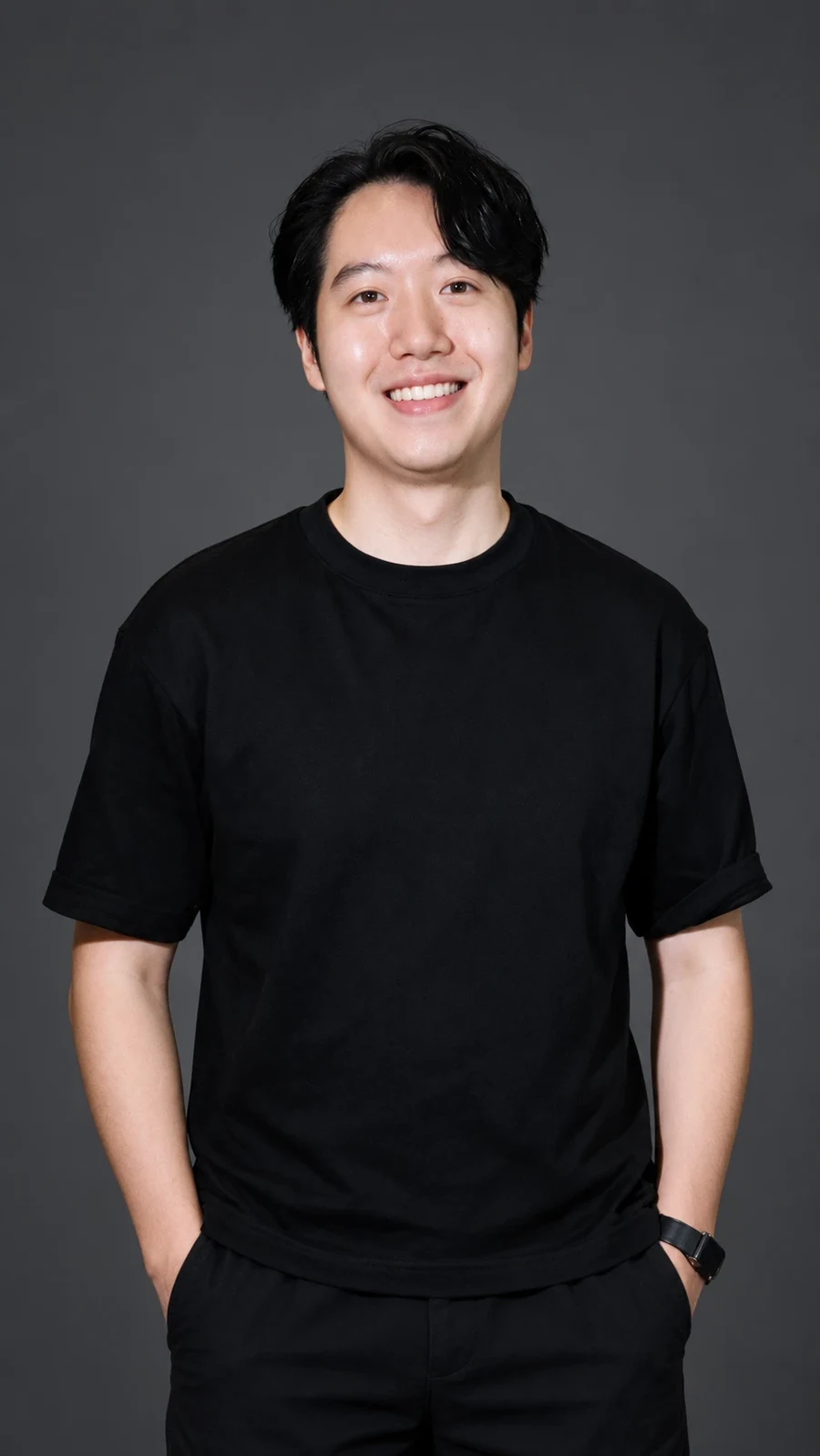
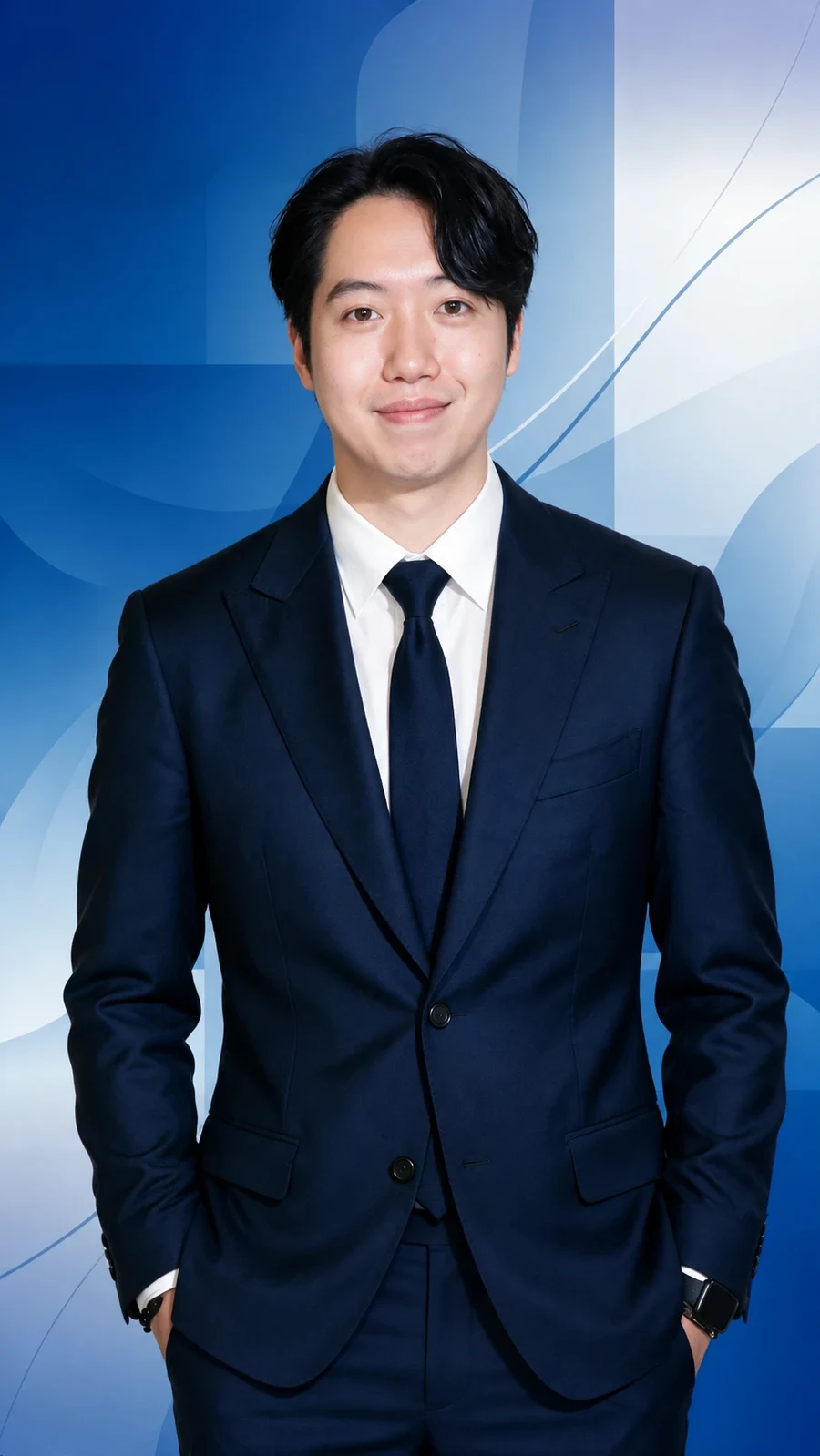
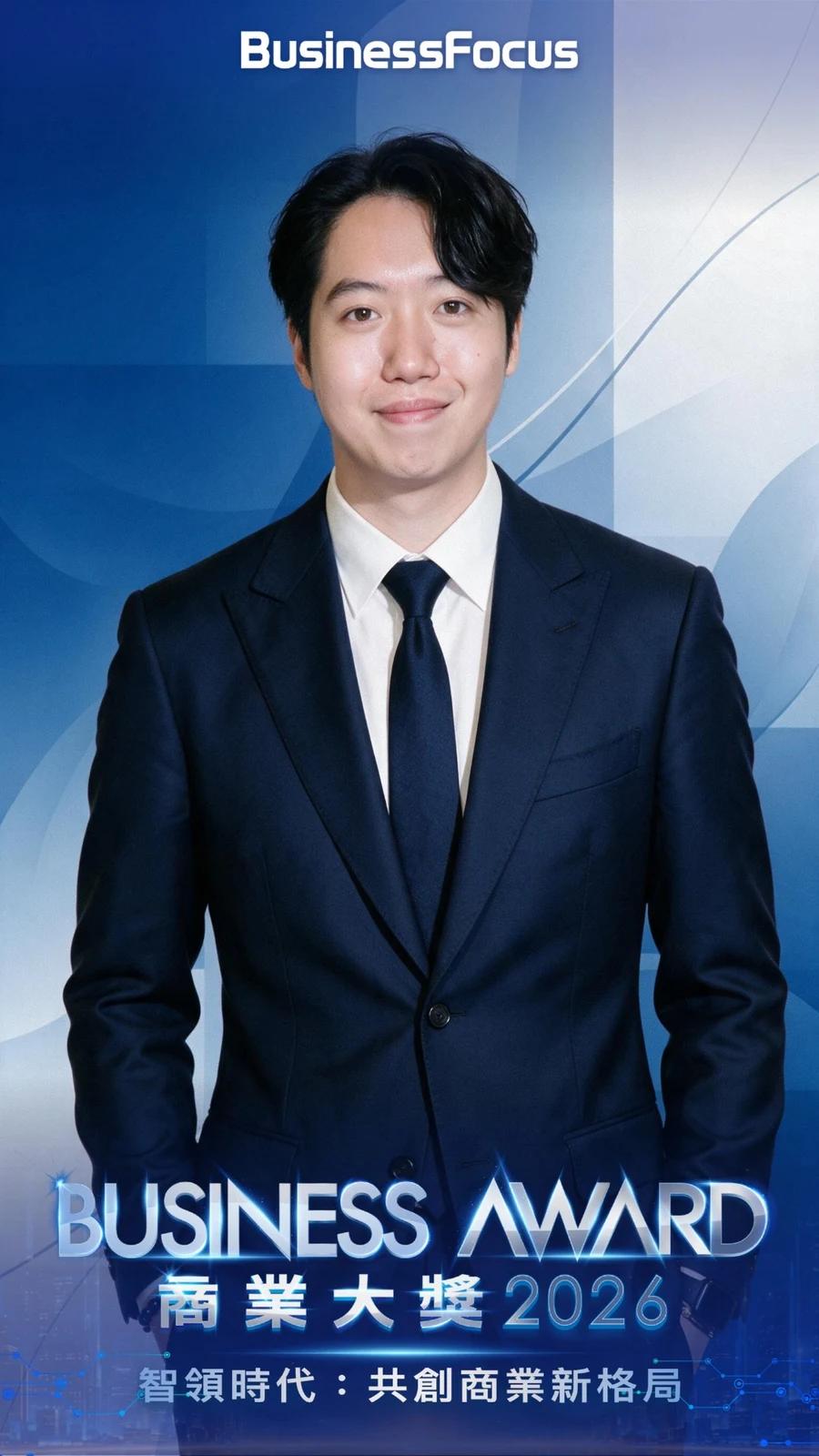
FOR YOUR GUESTS
One familiar face.
A whole new vibe.
- 01
Capture
Step up to the booth. Our team helps you get ready.
- 02
Apply your AI style
Choose a style prepared for your event.
- 03
Keep your new vibe
Scan the QR code, then choose and download on your phone.
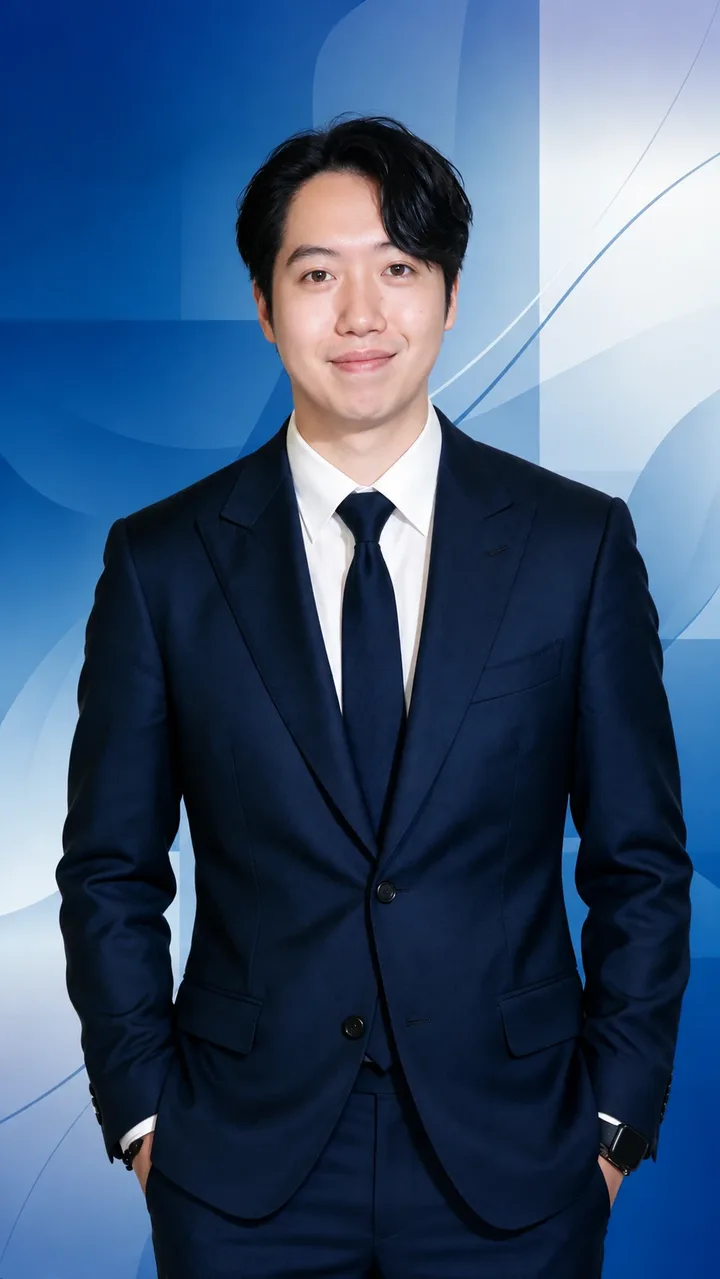 ✦ AI
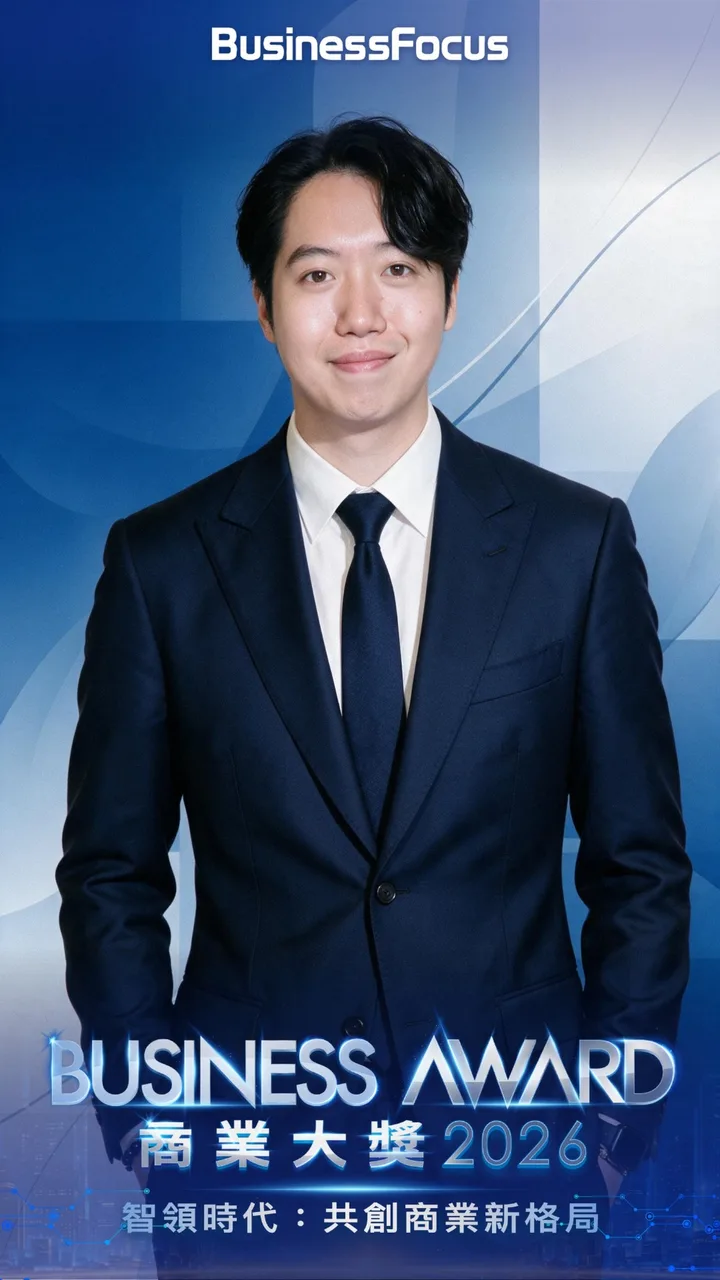
No app. No waiting at the booth. Generation time depends on the theme and number of versions, and is confirmed during pre-event testing. On-site prints are available when included in your setup.
FOR YOUR TEAM
You bring the brief.
We bring it to life.
A clear handover at every stage, from the first email to post-event delivery.
- 01Before the event
Brief us
Your date. Your space. Your audience.
Send the date, venue, event hours and expected guests. We’ll check availability and recommend a setup.
YOU SHAREEvent details and campaign assetsStep details
Email us at sales@facevibe.ai with your event date, venue, hours, expected guests and event type. We check availability and recommend a package, theme level and whether on-site photo printing should be added. Please confirm your booking at least 10 working days before the event; if the event is part of a brand campaign, share your key visual and assets so we can plan any Campaign Custom work.
- 02Before the event
Shape the look
A library style or something all yours.
Choose a library theme privately with our team, or brief a Campaign Custom theme with consistent brand touchpoints.
YOU APPROVETheme samples and brand artworkStep details
Choose ready-made styles from the FaceVibe Style Library, or submit a Campaign Custom brief. Campaign Custom takes 15 working days from design sign-off, with samples provided for the organiser’s approval before the event. The branded interface, frame and booth panels (Brand Edition only) are also confirmed at this stage, so the on-site visuals stay consistent.
- 03Before the event
Try it together
See the experience before the event.
We test portrait quality, generation time and QR collection. You can book a trial at our Causeway Bay office.
WE CHECKOutput, timing and collection flowStep details
Before the event, we test the confirmed theme, checking output quality, generation time and the collection flow; the waiting time per guest depends on the theme and number of versions, and is confirmed during testing. You are welcome to book a trial of FaceVibe Booth at our Causeway Bay office, and site visits can be arranged for large events.
- 04On the day
We set the stage
The booth arrives with its team.
We arrive 90 minutes before the event. Setup and dismantling sit outside your rental hours.
YOU PREPAREAbout 3 × 3 m, two 13A sockets and accessStep details
On the event day, we arrive 90 minutes before the start to install the booth, lighting and brand panels (Brand Edition only) and complete a start-up test, and we finish dismantling within 45 minutes of the end. Set-up and dismantling time is not counted in the rental hours. You only need to reserve about 3 m × 3 m of space and two 13A sockets and tell us the access arrangements; we bring our own 5G network.
- 05On the day
Let guests play
Capture. Apply a style. Collect.
Our staff guide the queue and help guests. They can collect on their phones without waiting at the booth.
WE HANDLEGuest guidance and on-site supportStep details
On site, the flow is: queue → capture → choose an AI style → scan the QR code → choose and download the portrait on the phone; where printing has been added, guests can also collect a print on the spot. Guests do not need to wait at the booth for their portrait. Staff guide the queue and help guests where needed, while screen prompts and signage explain the photography and AI image processing.
- 06After the event
Wrap up clearly
A report for your team.
A participation report comes with every package. Optional full reports and highlight videos have separate delivery timelines.
REMIND GUESTSDownload portraits on the event dayStep details
Every package includes a participation report. A full data report (theme choices, shares and registration conversion) is available as an add-on and delivered within 5 working days after the event; an event highlight video is delivered within 7 working days. Guests should download their portraits on the event day, as AI portraits are deleted once the event day ends; see the Privacy page for details.
DATES WORTH PLANNING AROUND
A little preparation
goes a long way.
Confirm your booking at least this far before the event.
Campaign Custom production, counted from design sign-off.
We arrive to install and test the setup.
AI portraits are deleted when the event day ends.
CAUSEWAY BAY · BY APPOINTMENT
Try the vibe before you book.
Arrange a booth trial at our Causeway Bay office and talk through your event.
Please confirm at least 10 working days before the event; Campaign Custom needs 15 working days from design sign-off.
No. Guests scan a QR code with their phone to choose and download their portrait.
Generation time depends on the theme and number of versions; we confirm it during pre-event testing.
Yes. Every package includes a participation report; a full data report is available as an add-on, delivered within 5 working days.
Yes. You are welcome to book a trial at our Causeway Bay office.




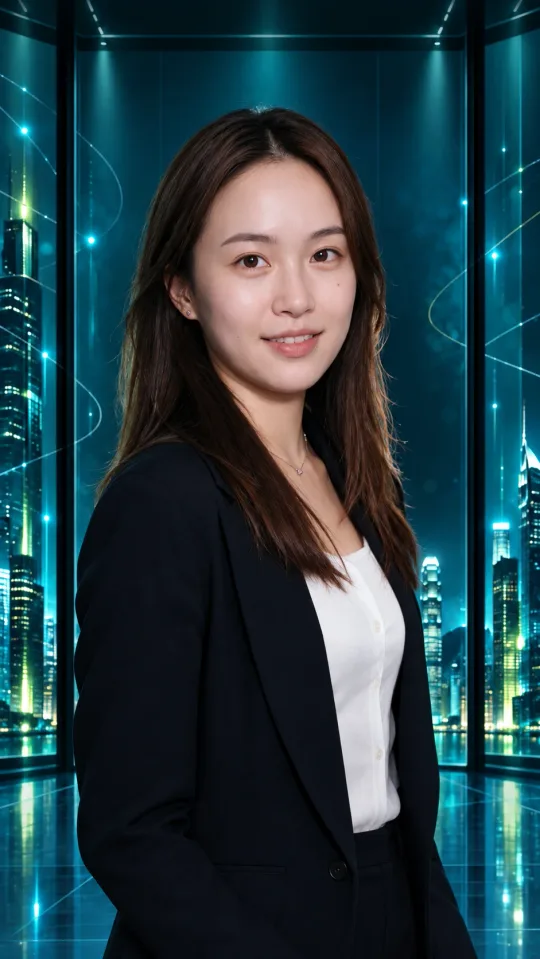








YOUR EVENT. YOUR VIBE.
Make your next event
the one everyone posts.
Snap, restyle, pick, share — we bring the booth, the AI and the team. Dates fill up around award and festive seasons.
Book a booth