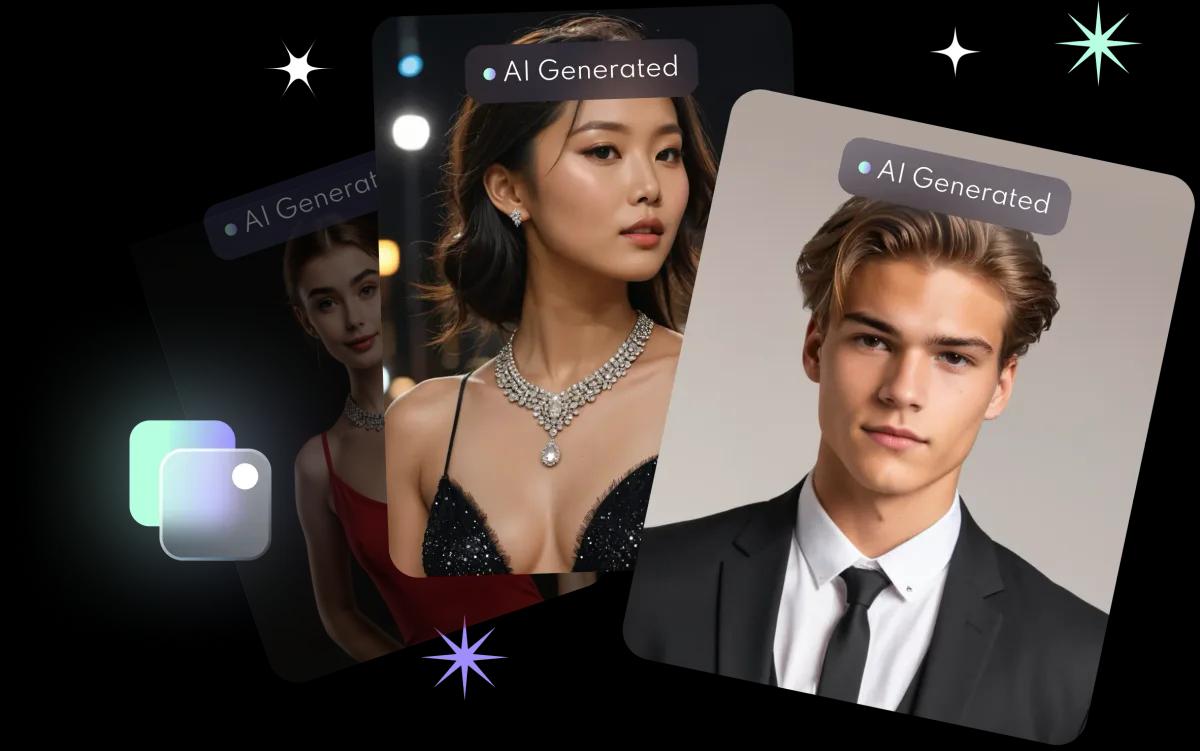







01
Photo to video magic
Upload one photo. Get an animated video.
- Running, walking, flying or screen interactions
- Dance moves with lifelike motion
- Become a fish, a muscleman, a slice of cake or a claymation figure
- Pose together with friends
FACEVIBE APP · AI VIDEO
Bring your photos
to life.
Animate, transform and interact, all from a single image: photo-to-video filters, lip-sync songs and custom videos from two photos. On iPhone.


HOW IT WORKS
Pick one clear photo, or two for a custom video.
Choose a motion, a dance, a lip-sync song or a two-photo scene.
FaceVibe animates your photo into a short video you can save and share.
VIDEO FILTERS
Upload one photo. Get an animated video.
Make your photo sing.
Combine two photos into one animated scene.
ALSO FROM FACEVIBE
FaceVibe Booth brings the same AI portraits to brand and corporate events in Hong Kong. We deliver, set up and staff the booth; guests scan a QR code to keep their portrait, no app needed.
Open the FaceVibe app, choose a video filter, upload a photo and FaceVibe animates it into a short video you can save and share.
A lip sync filter makes the person in your photo sing: choose a song or trend and FaceVibe moves the face in time with the beat.
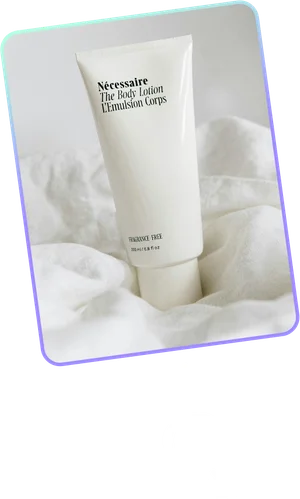
Yes. Combine two photos, such as a product and a person, a background and a subject, or two people, into one animated scene.
FaceVibe is available for iPhone on the App Store.
TRY FACEVIBE
Unlock new potential with every vibe. FaceVibe’s AI keeps finding new ways to transform your look.