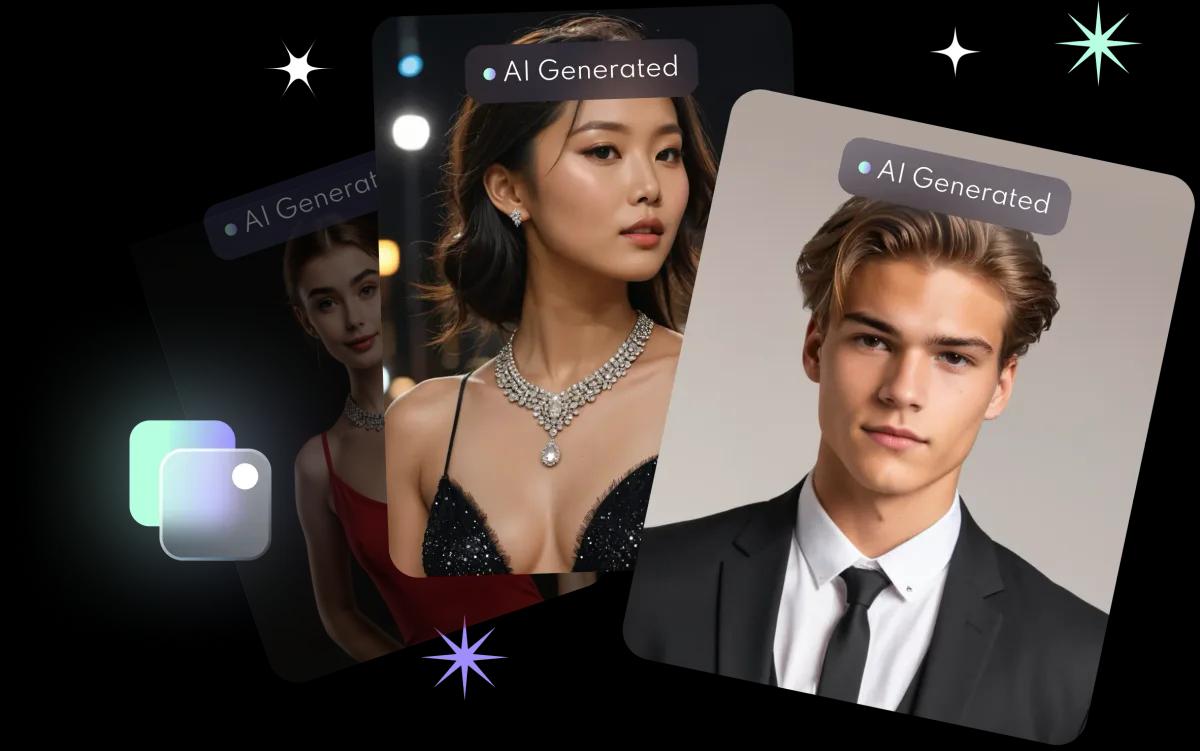
How do they compare?
| AI headshot (FaceVibe app) | Studio headshot | |
|---|---|---|
| What you need | 8 to 10 clear selfies | A booking and a studio visit |
| Waiting time | About 10 minutes to train your model | Depends on the studio and retouching |
| Styles | Many, and you can generate again | Depends on the outfits and set on the day |
| Realism | Based on your photos, but may differ from you | A real photograph |
| Resolution | HD, 1024 × 1536 pixels | Depends on equipment and delivery |
| Best for | LinkedIn, social media, internal directories | Company websites, press, ID photos |
When to choose an AI headshot
- You need a new profile photo quickly, for example for a job move or a new LinkedIn profile.
- You want to try several looks before deciding on a direction.
- You want headshots for family or friends too: the app supports up to 3 AI profiles.
When to choose a studio
- You need a real photograph, such as a management photo for a company website or a press release.
- ID use: passports and identity cards need real photographs that meet the requirements.
- You want a photographer to direct your pose and expression.
What to check with an AI headshot
- Pick the one that looks most like you, so people recognise you on video calls and in person.
- Keep the background simple and the face clear, so it still reads at profile-photo size.
- Privacy: Photos you upload are kept just long enough to provide the feature, then deleted, and FaceVibe does not use your images to train its AI unless you explicitly opt in. Save the headshots you like to your phone. See the privacy guide.
For step-by-step tips, read how to make an AI headshot for LinkedIn.