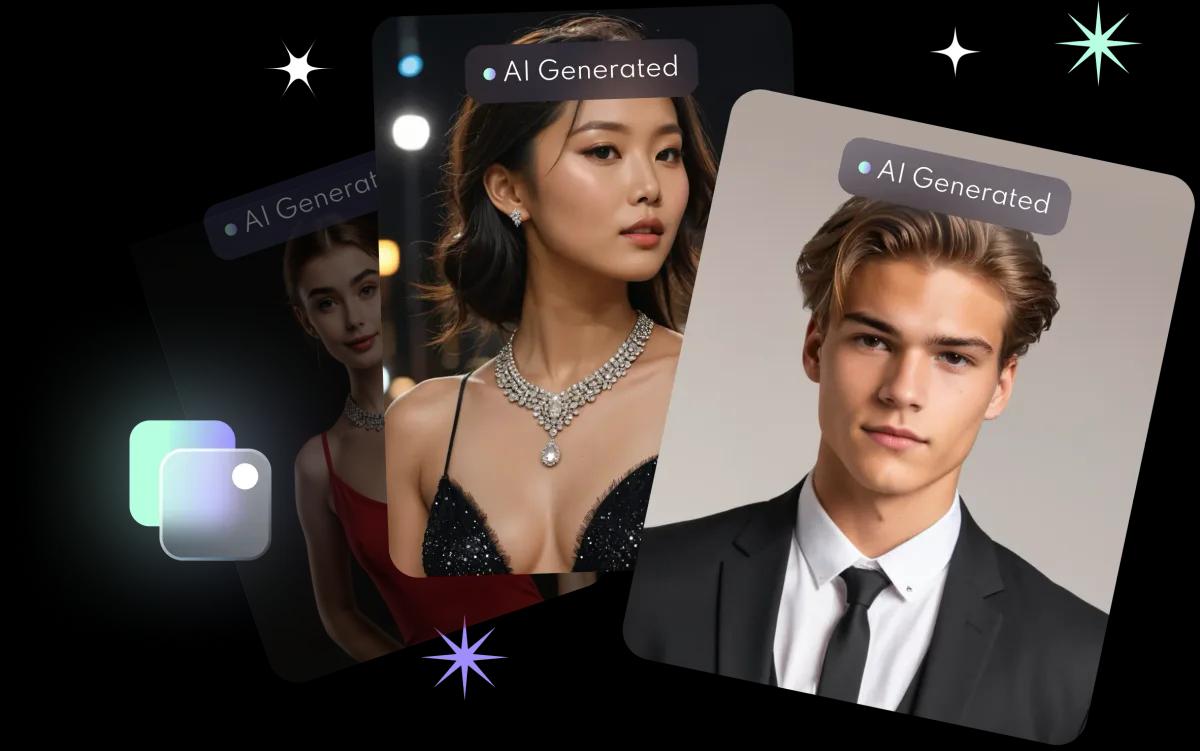
When does an AI headshot make sense?
- You have no recent, professional photo to hand.
- You want the same headshot on your CV, LinkedIn and job platforms.
- You are short of time and cannot book a studio.
How to pick the right photo
| Check | Advice |
|---|---|
| Likeness | An interviewer should recognise you instantly |
| Outfit | Match your industry: formal for finance and law, more relaxed for creative roles |
| Background | Simple, plain or soft |
| Expression | Natural and friendly, not over-polished |
| Crop | Head and shoulders, face clearly visible |
What to avoid
- Heavy beautification that changes your features, skin tone or apparent age.
- Playful styles such as cartoon or fantasy filters: they suit social media, not a CV.
- ID uses: if a role asks for an ID photo, use a real photograph that meets the official requirements.
How to make one in FaceVibe
- Download FaceVibe free on iPhone from the App Store.
- Upload 8 to 10 clear, front-facing selfies with only you in the frame.
- Wait about 10 minutes while FaceVibe trains your model.
- Choose a professional headshot or work-outfit style.
- Pick the one that looks most like you and download it in HD (1024 × 1536 pixels).
More tips: selfie tips for better AI photos. Photos you upload are kept just long enough to provide the feature, then deleted, and FaceVibe does not use your images to train its AI unless you explicitly opt in. Save the headshots you like to your phone. See the privacy guide.