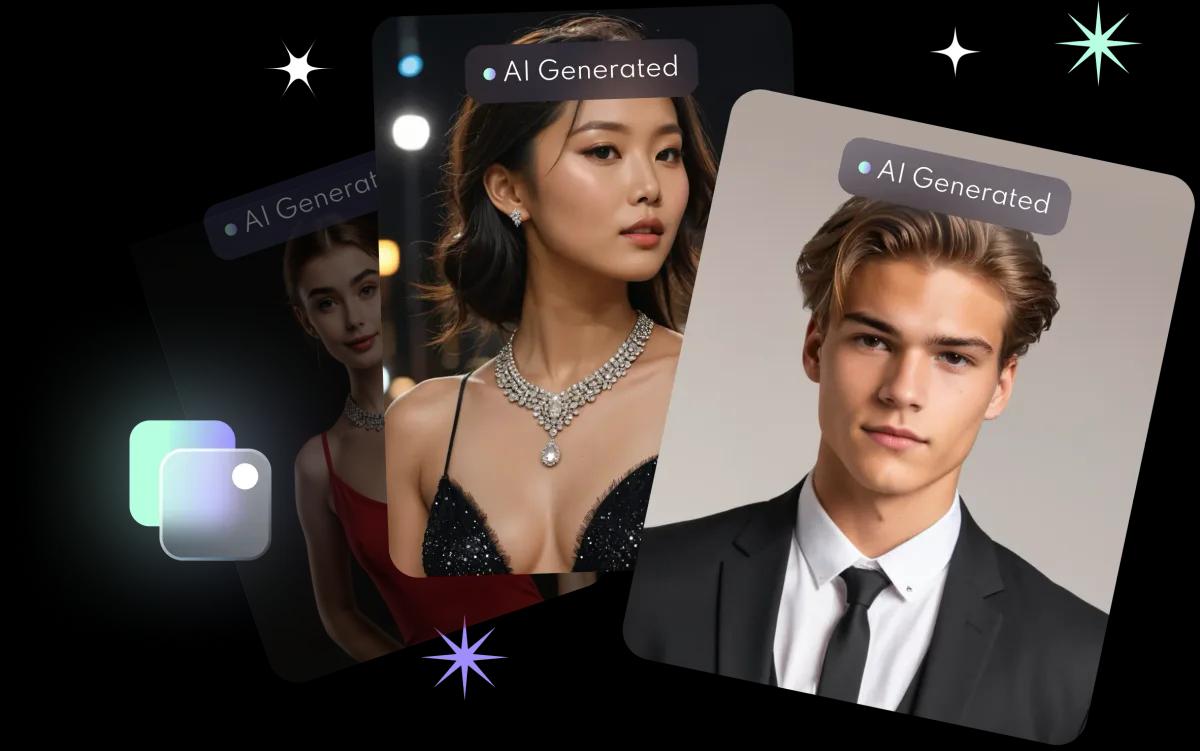
Why do AI photos sometimes not look like you?
The model can only learn from the photos it sees. These make it learn the wrong features:
- Blurry, pixelated or heavily compressed photos.
- Every photo taken from the same angle in the same light.
- Hats, sunglasses or a hand covering your face.
- Other people in the photo, or faces in the background.
- Beauty filters, so the model learns the edited version of you.
What are the 5 fixes?
- Choose 8 to 10 sharp selfies. Front-facing, only you in the frame, no hats or head coverings (FaceVibe's requirements).
- Use soft, even light. For example, face a window in daylight (general advice).
- Vary the angle slightly. Straight on, plus a little to the left and right (general advice).
- Skip beauty filters. Upload natural photos (general advice).
- Rebuild your AI profile. Open FaceVibe, go to Settings, select Delete Personal AI Profiles and confirm. Then tap AI Photos, tap the gender icon in the top left corner and select Create new.
The selfie tips guide has more on taking good photos for AI.
What should you check when choosing selfies?
| Check | Good photo | Avoid |
|---|---|---|
| Sharpness | In focus | Blurry photos, screenshots |
| People | Only you | Group photos |
| Face | Fully visible | Hats, sunglasses, hands |
| Editing | Natural | Beauty filters |
| Variety | Different places and angles | The same background every time |
Can you replace only a few selfies?
No. FaceVibe does not let you swap individual photos in an AI profile. To use a different set of selfies, delete the profile and create a new one with all 8 to 10 photos. Deleting the profile does not delete the AI photos you have already generated.