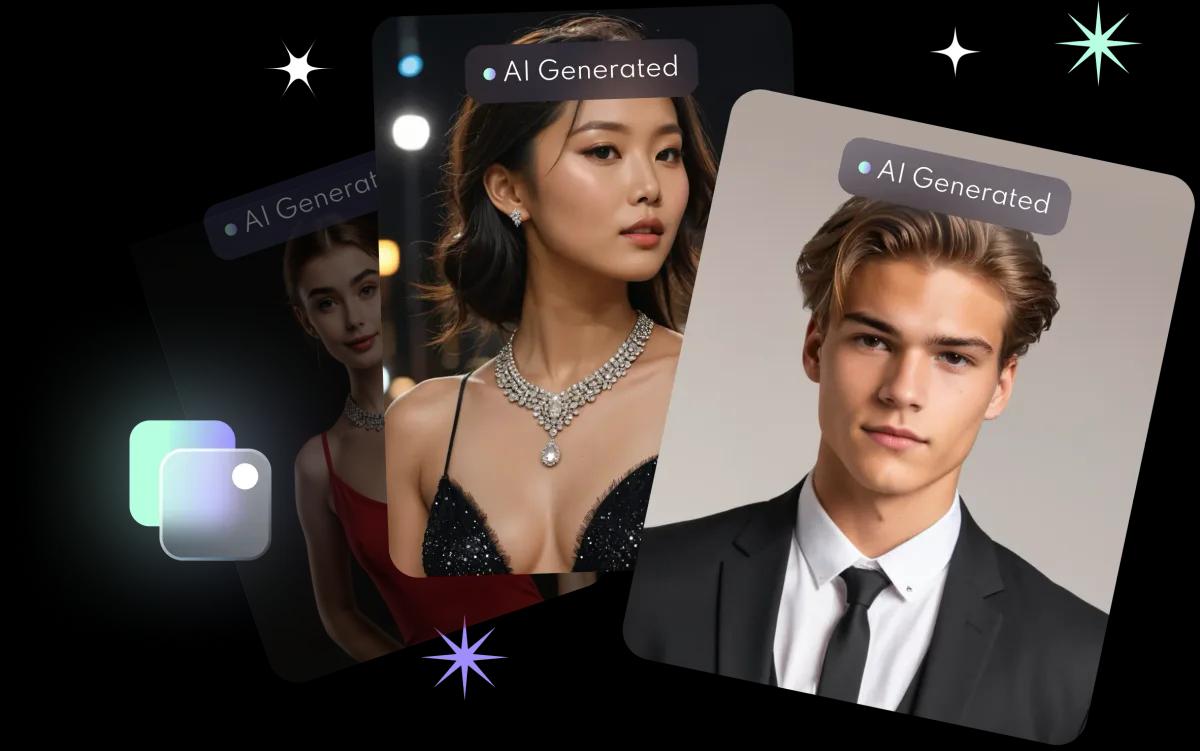
Why do your selfies matter so much?
FaceVibe trains a model on your face from the photos you upload, which takes about 10 minutes. The model can only learn what it sees. Clear, varied photos of you give it a reliable picture of your features; blurry, cluttered or heavily edited photos give it mixed signals, and the results look less like you.
What are FaceVibe's photo requirements?
- 8 to 10 photos.
- High quality: sharp, not blurry or pixelated.
- Front-facing: look towards the camera.
- Only you in the frame.
- No hats or other head coverings.
What general tips help?
These are general photography tips, not app requirements:
- Use soft, even light. Face a window in daylight rather than standing under a single ceiling light.
- Vary the setting a little. A few different rooms or backgrounds help the AI separate you from your surroundings.
- Vary the angle slightly. Straight on, and a little to each side.
- Skip beauty filters and heavy edits. Upload natural photos so the AI learns your real features.
- Keep your face uncovered. Avoid sunglasses and hands in front of your face.
What should you avoid?
- Group photos or photos with other faces in the background.
- Very old photos that no longer look like you.
- Screenshots and photos that have been compressed many times.
- Photos taken from far away where your face is small.
What next?
Once your selfies are ready, follow the LinkedIn headshot guide or try the AI headshot generator. Not happy with a set? Delete your AI profile and start again with new photos; the app FAQ has the steps.