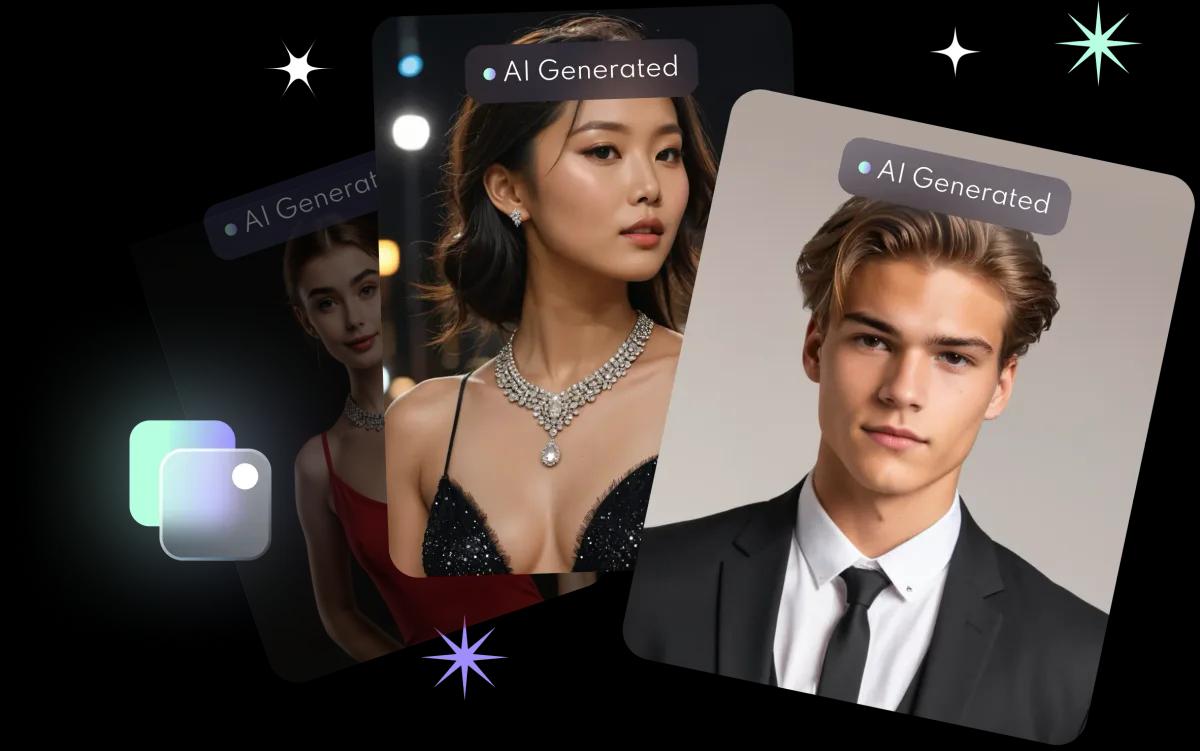
How is a social profile picture different from a LinkedIn photo?
| Social profile picture | LinkedIn photo | |
|---|---|---|
| Goal | Show your personal style | Look professional |
| Style | Bolder looks, such as Night out, cover star or hand-drawn art | Work outfits, simple background |
| Guide | This page | LinkedIn AI headshot guide |
What are the two ways to make one?
- AI photos of you. Upload 8 to 10 selfies; FaceVibe trains a model on your face and creates photos in styles such as Night out.
- AI photo filters. Restyle one photo you already have, for example as a cover star, in a fantasy world or as hand-drawn art. See the AI filter styles guide.
How do you pick the right shot?
- Centre your face. Social apps show profile pictures in a circle, so the corners are cropped.
- Think small. Profile pictures appear tiny in lists, so pick a clear face and a simple background.
- Match the platform. Use a more professional shot for work accounts and a bolder one for personal accounts.
Photos are generated in HD at 1024 × 1536 pixels, so they stay sharp when cropped.