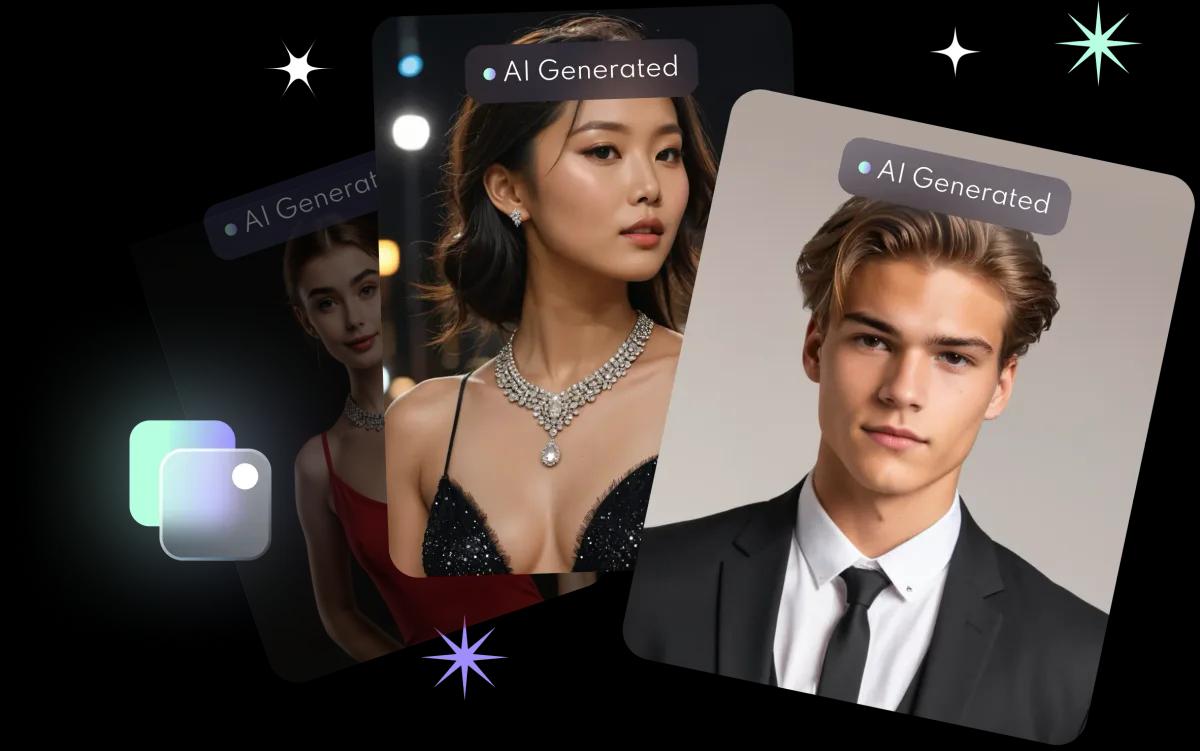
How do AI photo filters work in FaceVibe?
- Pick a filter. Choose from the AI filters in the app.
- Upload a photo. Use a favourite shot or take a new one.
- Enjoy the new you. See your photo in its new style, then save it, share it or try another filter.
Because the AI works from your photo, every result is personal to you. See the AI photo filter page for examples.
Which filter styles can you try?
| Style | What it does | Good for |
|---|---|---|
| Capture your dream body | Shows the physique you want in your photos | Fitness and fun posts |
| Be your own cover star | Changes your outfit and look | Fashion and everyday posts |
| Snapshots from fantasy worlds | Puts you in games, cartoons or horror films | Playful, themed posts |
| Masterpiece in every shot | Reinterprets your photo as hand-drawn art | Profile pictures and gifts |
Which photo works best with a filter?
A clear, well-lit photo where your face is easy to see gives the best starting point. For tips that also apply to filters, read selfie tips for better AI photos.
How often are new filters added?
Regularly. FaceVibe keeps adding filters that follow the latest trends, so there is something new each time you open the app.
Filters or headshots?
Filters restyle a single photo in seconds and are made for fun and social posts. The AI headshot generator trains a model on 8 to 10 selfies to create professional headshots, for LinkedIn or a CV. Both are in the same app.