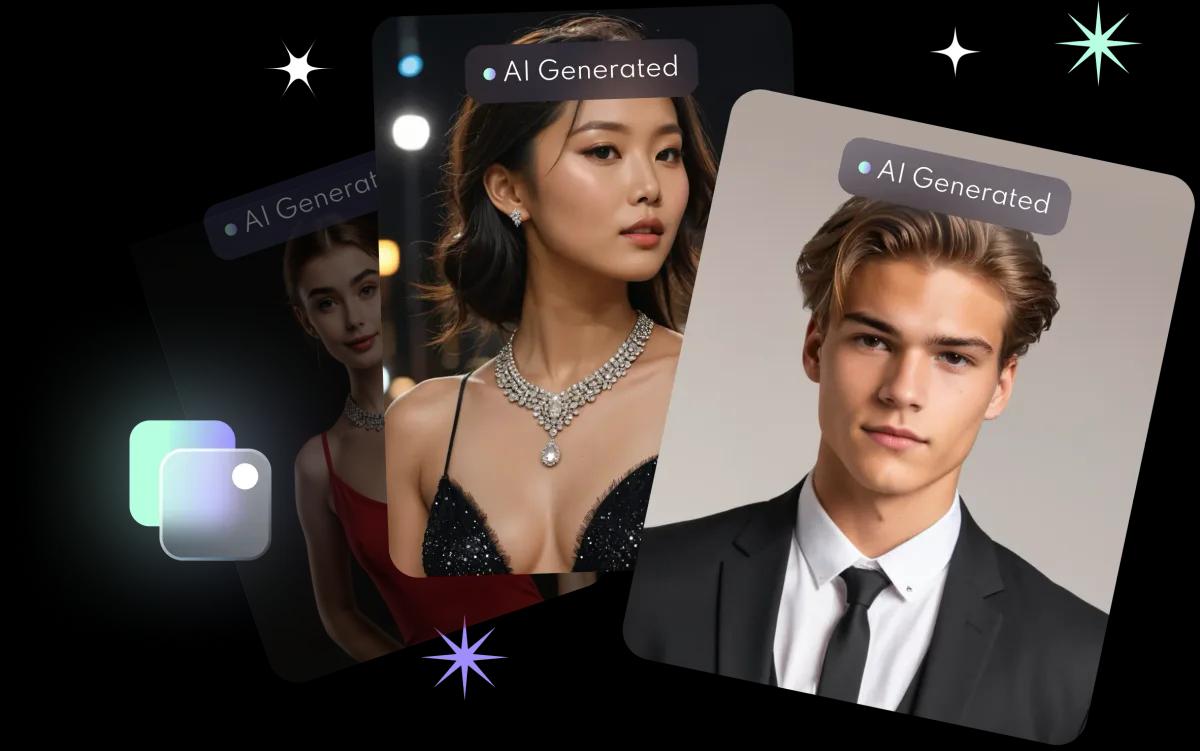
What are AI wedding photos good for?
- Previewing a look before fittings or booking a photographer.
- Sharing with friends and family as a fun talking point before the big day.
- Not a replacement for a wedding photographer. AI photos are for previews and sharing; book a photographer for the real thing.
How do you make them, step by step?
- Upload your photos. 8 to 10 high-quality, front-facing selfies with only you in the frame, no hats or head coverings.
- Let the AI learn your face. It takes about 10 minutes.
- Choose the Wedding style. Browse the styles in AI Photos.
- Pick and download. Swipe through the results and save your favourites with one tap.
Photos are generated in HD at 1024 × 1536 pixels.
Can your partner make one too?
Yes. FaceVibe lets you create up to 3 AI profiles, so your partner can make their own with their own selfies. Each selfie should show one person only; the family headshots guide explains how profiles work.
What happens to your photos?
Photos you upload are kept just long enough to provide the feature, then deleted, and FaceVibe does not use your images to train its AI unless you explicitly opt in. Save the photos you like to your phone. See the privacy guide.